
Features Overview
Recording Software for your Computer
If we’re going to be trying to record various audio and video “pieces” remotely, and then assembling them at the end of the project, we’re going to need to be recording in formats that are transferrable. Here is some of the recording software I have been using in the past few years both for church and personal uses. I’m only putting a limited few options here; there is a whole world of software out there!
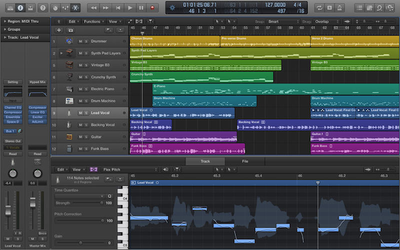
Logic Pro X
This is the gold standard for me. It’s what I’ve been using for years, and what I have been using for Worship Online for the past month. I’m starting to learn how to use it properly, and there’s SO MUCH here under the hood. But it’s $200, so it’s likely out of range for anyone who’s just looking to record a vocal track. But as a frame of reference, it used to be $900.
However, Apple DOES offer a 90-day free trial of the software… and that might take us through our season of social distancing. Just saying.
It is a little complicated to set up — there’s a learning curve here because it is so configurable. I’m happy to help anyone who wants to set this up on their own machine, even just for the 90 day free trial. You can export a track and upload it to me, and I can import it directly into my version of Logic without any hiccups.
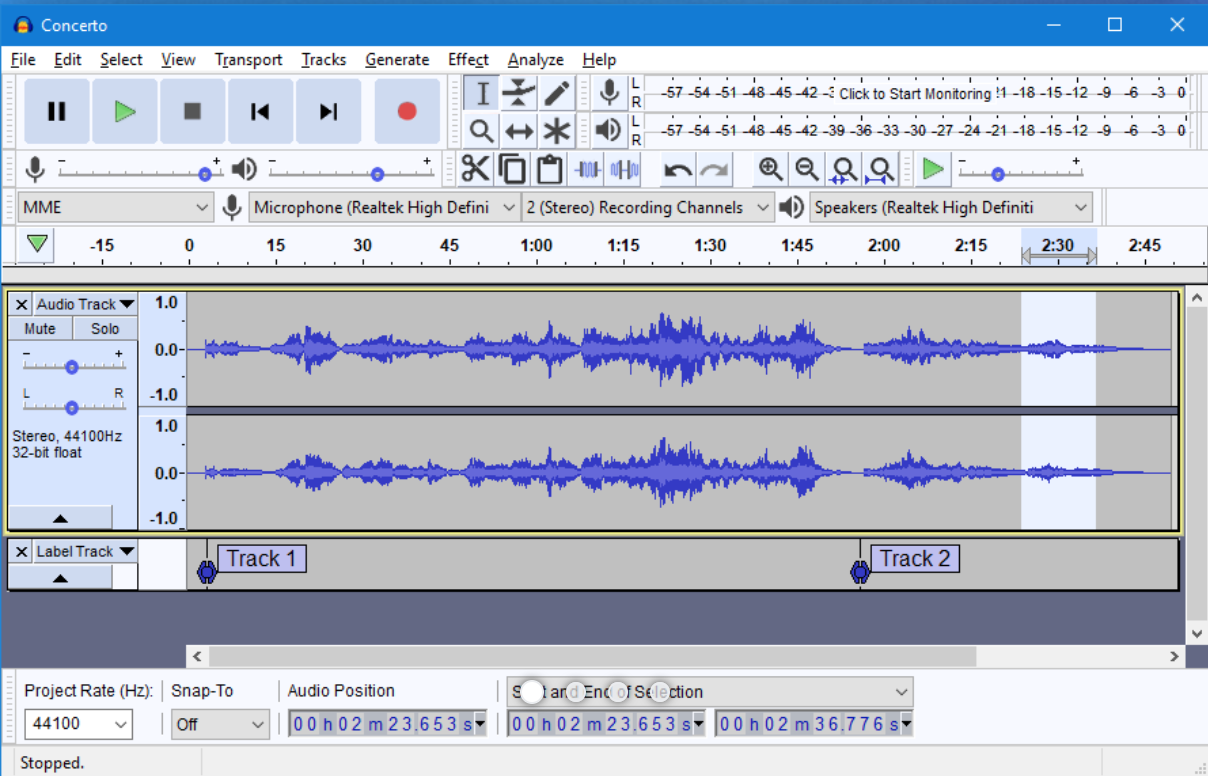
Audacity
I’ve only used Audacity once, years and years ago, and it was just what it was purported to be: a free, open-source audio recording and editing app. It’s like Logic, but ugly. I’m sure it’s matured since the days I was messing around with it. It’s primary selling point is that it’s not actually for sale — its free. If you like tinkering with open source software, this is your jam.
Note: the link to the left might take you to an intermediate page — a DDoS protection page on the way to the Audacity website. It’s legit. Don’t worry.
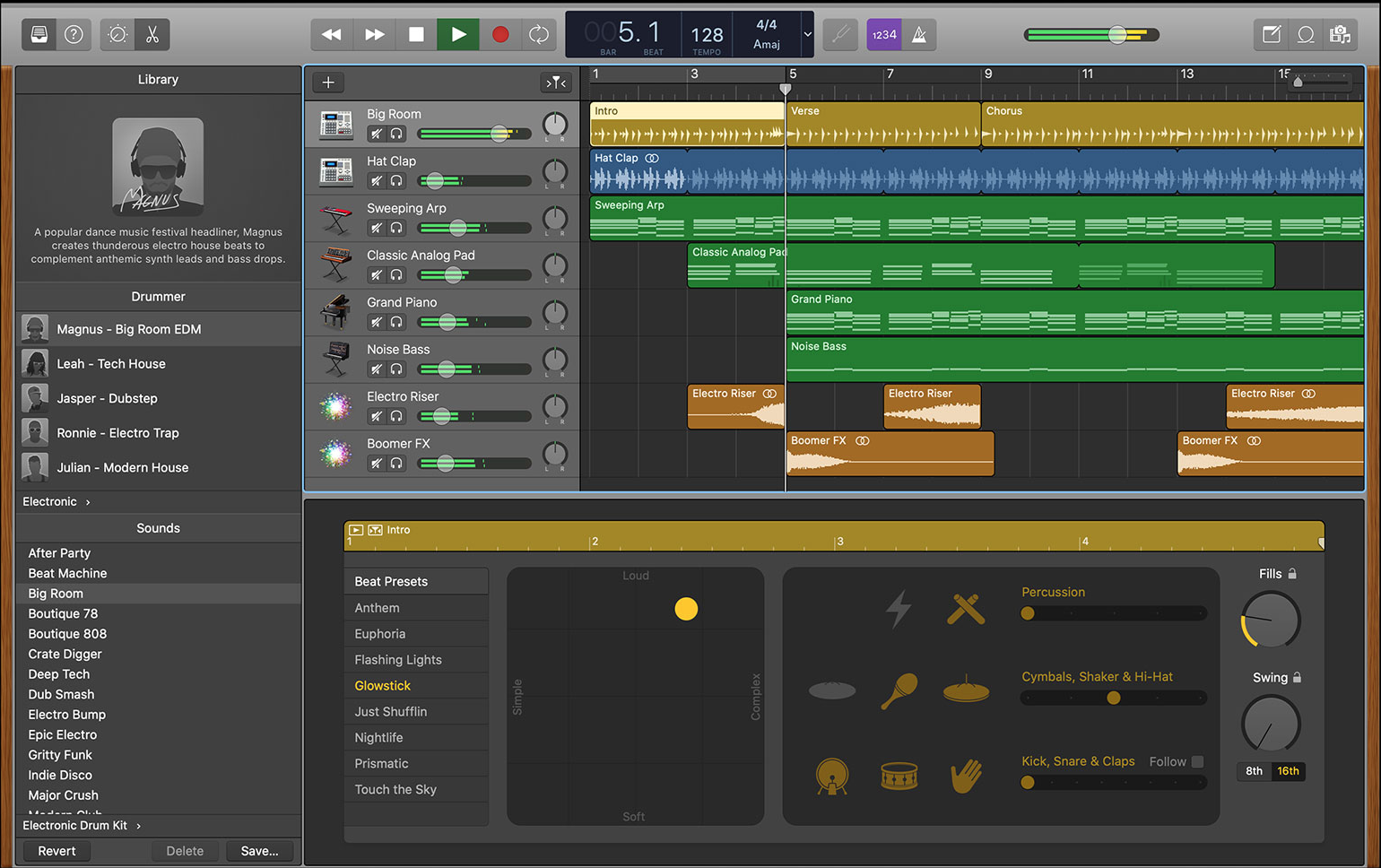
GarageBand
This is Logic’s little brother. It’s actually remarkably powerful, and uses much of the same interface and tools from it’s more powerful sibling. And, unlike Logic Pro X, GarageBand is FREE to download and use from Apple. It isn’t as customizable as Logic, and most of its effects are “presets” rather than full plugins with adjustable parameters. But it’s really a great piece of software. I’d recommend this as the best option for our purposes.
But it still has a learning curve, so be prepared to orient yourself to the world of recording software. It takes a little while to get your computer, interface, and equipment to all talk to one another and to play nicely together. But this is true of all the suggested software above.
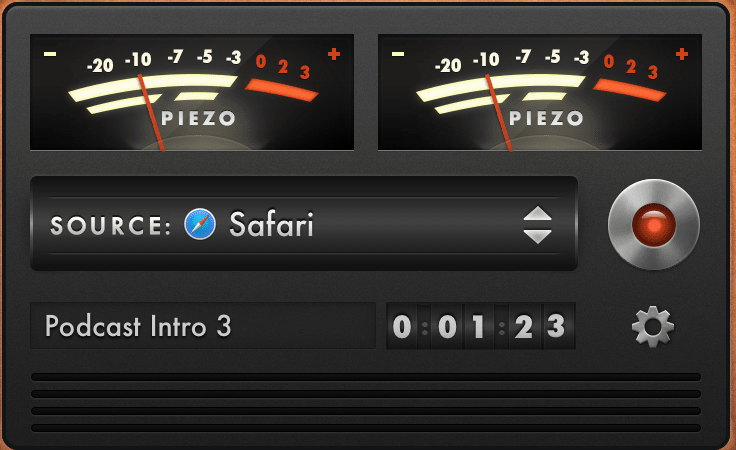
Piezo
There’s a great little company called Rogue Amoeba that I’ve turned to for years and years for really simple, targeted audio applications. Check out everything else they offer — like multiroom broadcasting your audio using all your other devices as slaves. Super elegant.
They have a super-inexpensive offering called Piezo, which allows you to record from ANY audio source on your mac — from a specific application, or from your line-in, or from an external audio interface. It is metered, as you can see in the screenshot to the left, so you can ensure you’re not maxing out the input and clipping the audio. This is the MOST STRAIGHTFORWARD option that requires the LEAST CONFIGURATION to use. Plug in your toys, choose them right from within Pieza, and hit record. The gear icon leads to all the settings you need (recording format). And as long as you record to AIFF or WAV, we’re good to go. Upload your file to me, and I can dump it right into Logic. Did I mention it’s only $20? And it also has a free trial period.
There you have it. When it comes right down to it, you can use whatever software and recording setup you want — as long as you’re recording UNCOMPRESSED AUDIO (no mp3 recording… full, uncompressed audio files like .aiff or .wav). We have a big ol’ Google Shared Drive with unlimited storage, so we’ll be uploading to that and I’ll grab all the files from there. It should all work perfectly, without a hitch, on the first try. It always does.